Features

Everything in Patchwork.

What the editor does today, from the canvas to the export.

The editor.Two modes, one canvas.

Simple keeps every tool in a bar above your selection. Advanced puts exact numbers in a side panel. Switch at any time.
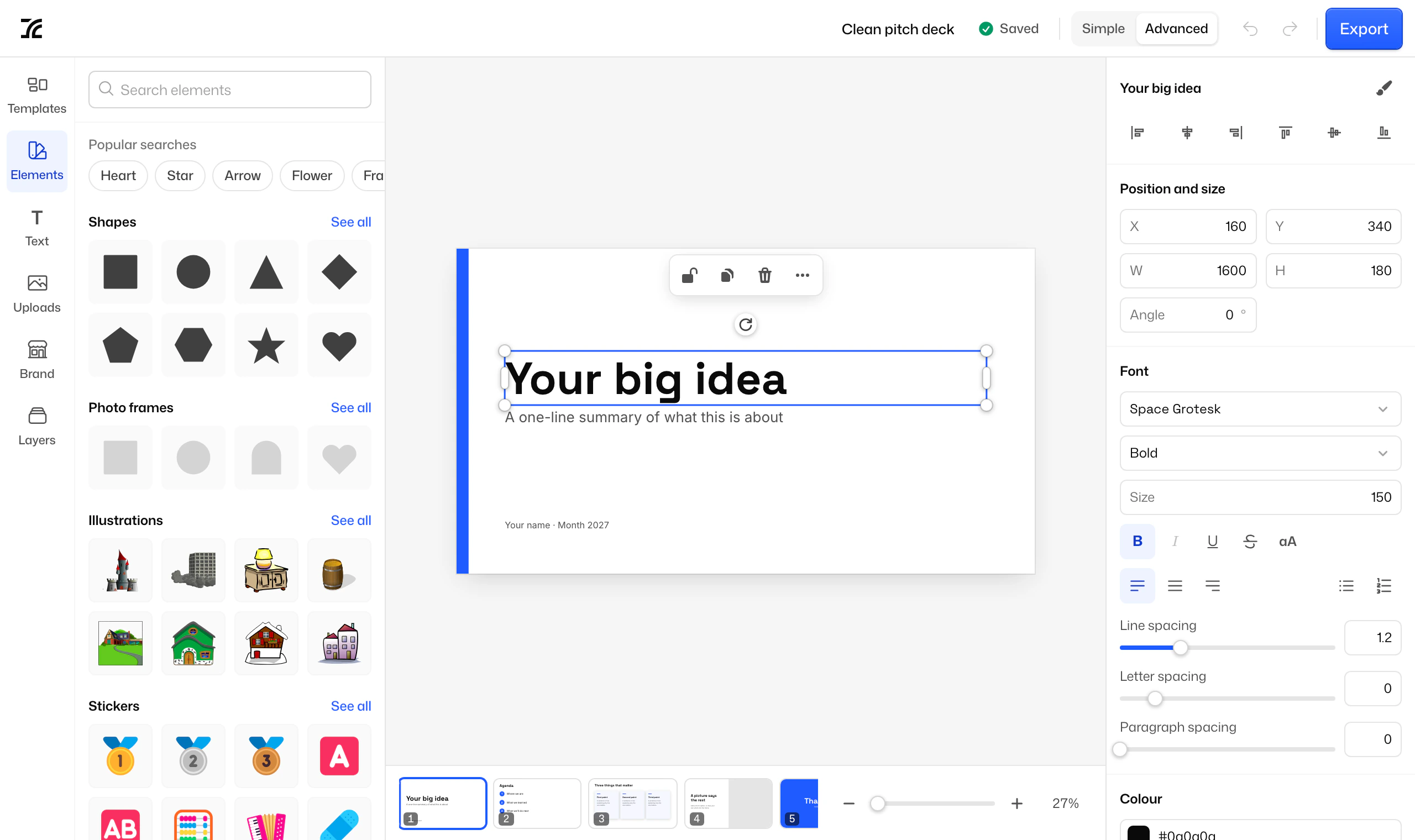
The editor in Advanced mode, editing a heading on a pitch deck

Select, move, resize, rotate

Click anything to select it, drag a box to select several, and nudge with the arrow keys.

Snapping and guides

Things snap to each other and to the page. Rulers along the edges let you drag out your own guides.

Align and distribute

Line a selection up on any edge or centre, or space it out evenly.

Groups and layers

Group what belongs together, and reorder, hide or lock anything from the layers panel.

Right-click menu

Copy, paste, duplicate, group and arrange from where you are.

Undo and autosave

Undo and redo across pages. Every change is saved as you go.

Text.More than a font and a size.

Every weight

40 font families, each with every weight it ships with, from sans and serif to display, handwriting and mono.

Mixed styles

Bold, italic, underline and colour on any part of a line, in the same text box.

Fills

Fill text with a solid colour, a gradient or a picture.

Effects

Shadows, outlines and other ready-made effects, then fine-tune them.

Curved text

Bend a line of text into an arc.

Spacing and lists

Line spacing, letter spacing, alignment, bullets and numbered lists.

Pictures.Edit them where they are.

Uploads

JPG, PNG, WebP and GIF, up to 25 MB. They are re-encoded on arrival, which removes their metadata.

Crop, flip and mask

Crop a picture, flip it, or drop it into a photo frame shape.

Adjustments

Brightness, contrast, saturation, temperature, tint, vignette and sharpening.

Looks

11 ready-made looks, from Vivid and Golden to Noir and Sepia.

Background removal

Remove a simple background from a picture in one click.

Shadow and blur

Give anything a soft shadow, or blur it.

Templates and elements.Never start from nothing.
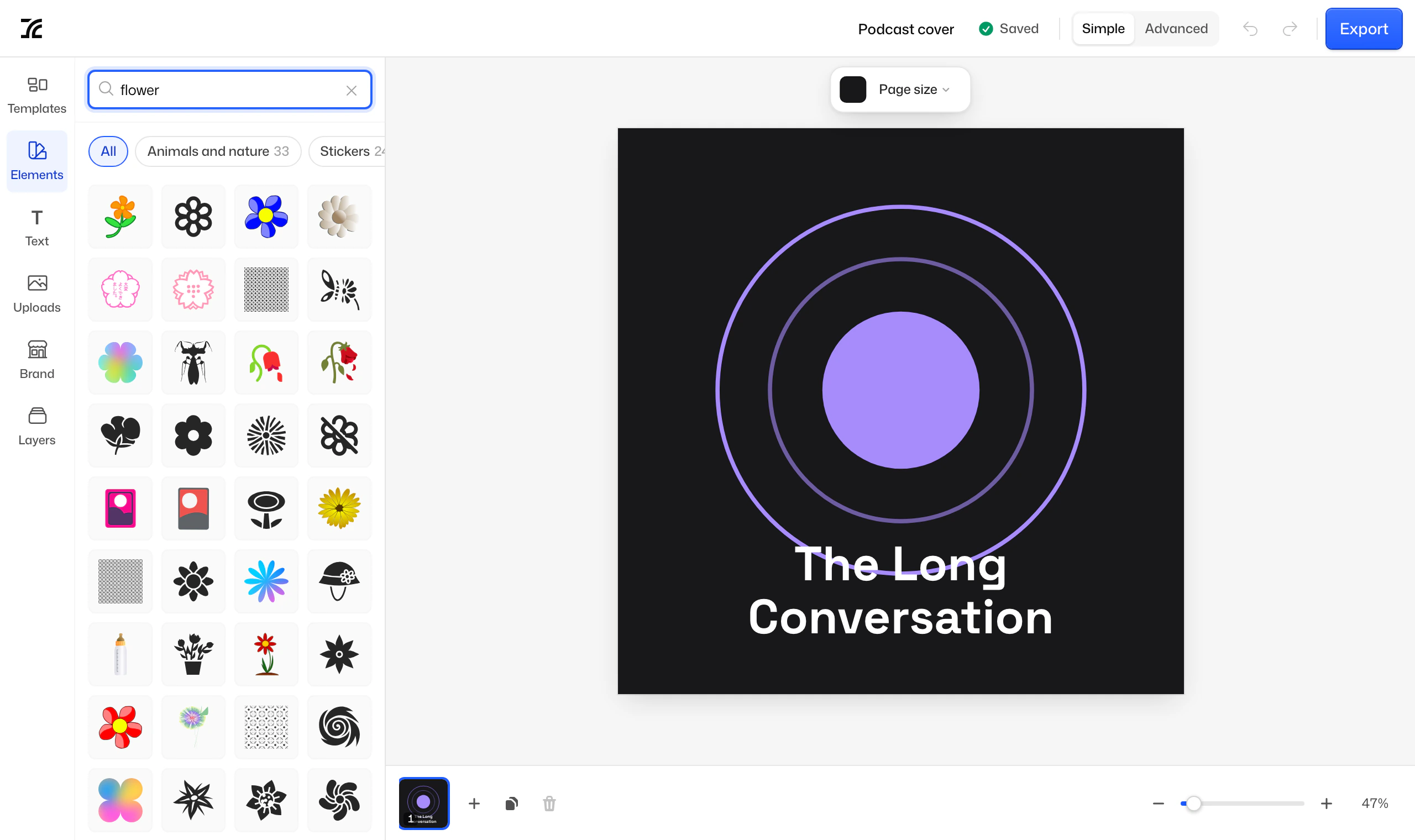
Searching the element library for flowers

Templates

66 templates for social media, presentations, posters, video, banners, logos, documents, invitations, menus, certificates and infographics.

Elements

24,427 shapes, stickers, icons, illustrations, people, animals, flags and patterns, all searchable.

Patchwork pack

Frames, badges, ribbons, callouts, dividers and arrows, drawn for Patchwork.

Shapes

Rectangles, ellipses, triangles, stars, arrows and more, with gradients and borders.

Photo frames

Shapes that hold a picture, ready to drop one in.

Credits built in

Every element collection is credited in the editor and on our elements page.

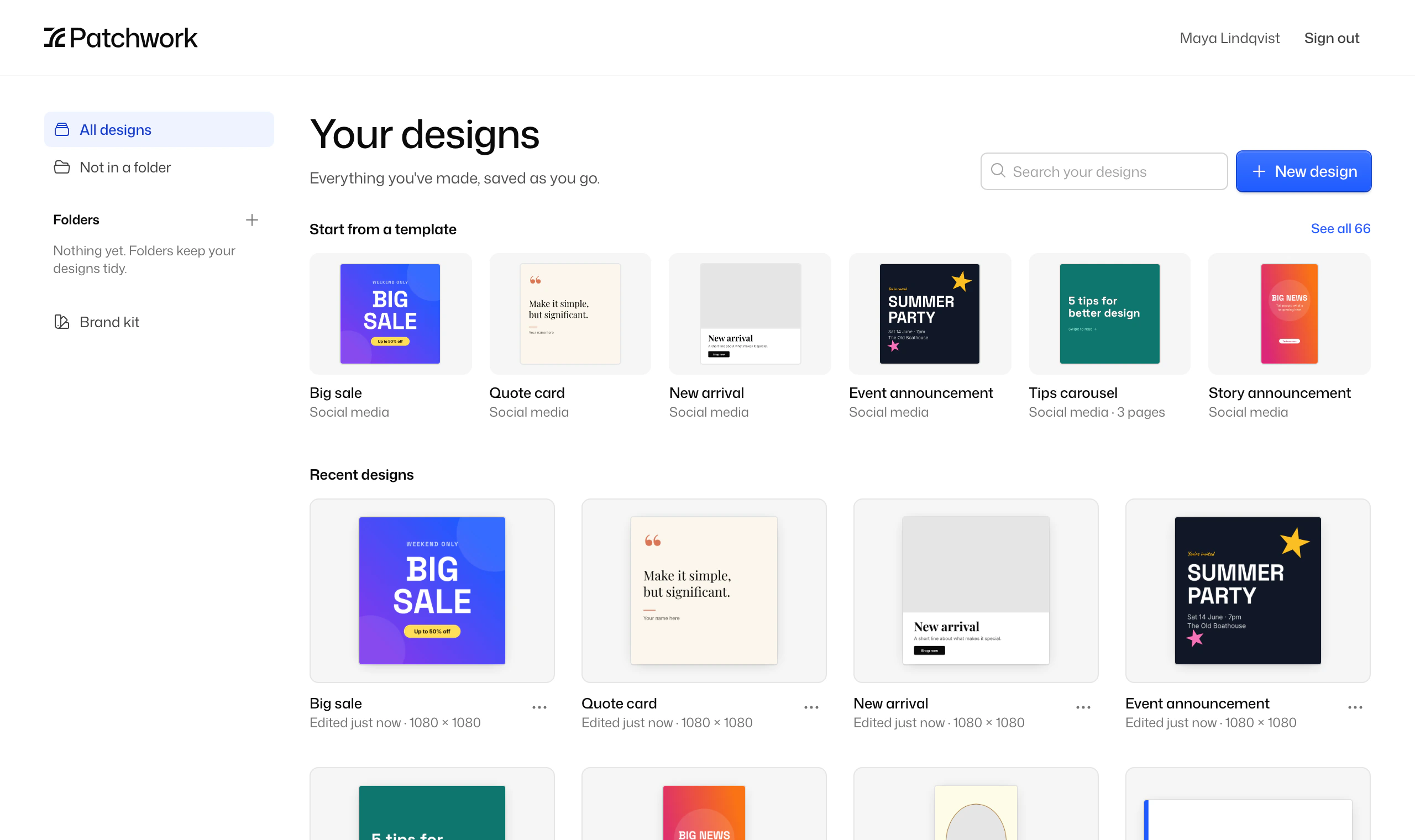
Your designs.Tidy without trying.

The Patchwork home page with templates and recent designs

Multi-page designs

Up to 100 pages in a design, with a page strip to add, reorder and duplicate them.

Folders and search

Keep designs in folders, and find any of them by name.

Brand kit

Up to 64 colours and 16 fonts, close at hand in every design.

Your own fonts

Upload TTF or OTF fonts up to 10 MB and use them anywhere.

Resize the canvas

Change a design’s size later, and scale its contents to fit.

Live thumbnails

Your home page shows each design as it is now.

Export.Exactly what you see.

The editor and the exporter use two renderers that are tested to produce identical output, so your file matches the canvas.
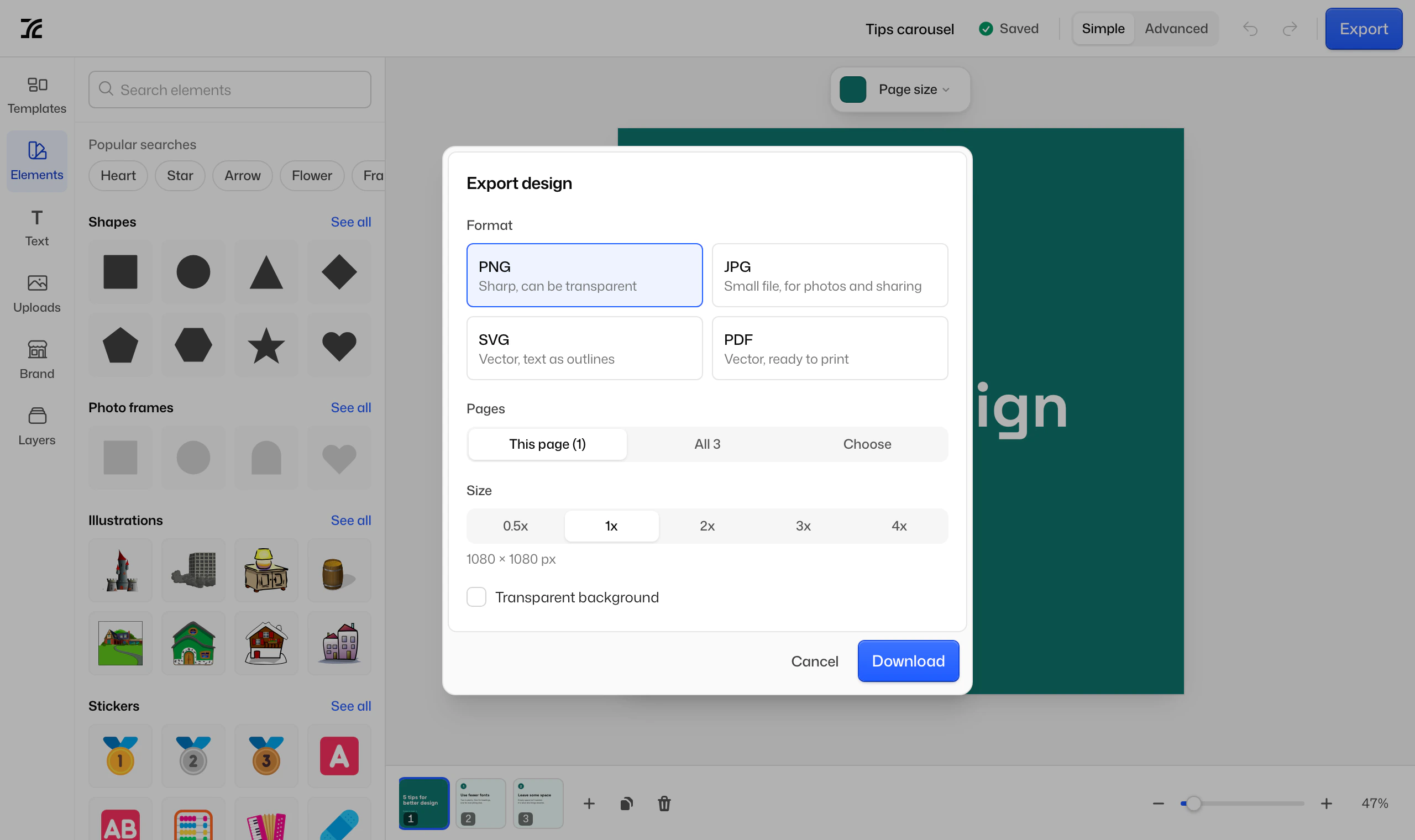
The export dialog with format, pages and size

PNG

Sharp, can be transparent

JPG

Small file, for photos and sharing

SVG

Vector, text as outlines

PDF

Vector, ready to print

Any page, all of them or a selection, from 0.5× to 4×. Several pages download as a zip, or as one PDF.

Make something today.It only takes a browser.

Patchwork is in private beta. You’ll need an invite code to sign up.